Fingerprint or face sign-in
Skip the password field on every visit. Turn on biometric unlock after one manual login and the gtb88 app opens straight into the lobby with your balance already showing. You can switch it off in Settings at any time.
The gtb88 app puts the whole lobby on your Android phone: slots, live tables, crash rounds and football markets in one 58 MB install. It runs on Android 10.0 and above, costs nothing, and updates by replacing the old file. Tap the button to pull the APK straight to your handset.
Reading this on a laptop? The QR code further down opens the same file on your phone. The download works over Wi-Fi or mobile data, and the file name stays gtb88.apk so you can find it later in Downloads.
18+ · Play ResponsiblyBoth routes reach the same account and the same ringgit balance. The difference shows up in small moments during play, so judge by how you actually use your phone rather than by which one sounds newer.
| What you are doing | gtb88 app | Mobile browser |
|---|---|---|
| Opening the lobby | One tap on the icon, and the session stays signed in until you log out. | Type the address, load the page, then sign in again once cookies clear. |
| Data use on 4G | Lobby art and thumbnails are cached, so repeat visits pull less data. | Every reload pulls banners and thumbnails from scratch. |
| Live casino tables | Portrait layout with table limits pinned near the bottom of the screen. | Full table view squeezed into a narrow window, limits further down. |
| Crash and instant games | Full width cash-out bar under your thumb, with a haptic tap. | Cash-out button can sit below the fold on smaller screens. |
| Withdrawal updates | Push notice lands when review finishes, usually inside 16 minutes. | Nothing arrives unless you keep a tab open and refresh it. |
| Getting a new build | Download the new APK from this page and install it over the old one. | Updated automatically the next time you reload the page. |
| Phone storage | 58 MB once, plus a small cache that grows with play. | Nothing installed, nothing cached after you close the tab. |
| Best for | Daily play on your own handset, with alerts switched on. | Quick balance checks or borrowing someone else’s device. |
This is the current build, published on 10 November 2026. Older versions stop working once a new package is posted, so install from this page rather than from a copy forwarded in a group chat.
| Version | 2.4.0 |
|---|---|
| File name | gtb88.apk |
| File size | 58 MB |
| Minimum Android version | 10.0 |
| Last updated | 10 November 2026 |
| Price | Free, with no subscription and no in-app charge |
| Interface languages | English, Bahasa Melayu |
| Where to get it | Only from /download/gtb88.apk on this domain |
Keep the tab open until the progress bar finishes. A file that stops at half size will not install, and Android reports it as a parse error rather than a failed download.
The app remembers your sign-in, keeps the lobby cached and sends a notice when money moves. You still play for the same ringgit stakes, and every bonus on the website runs inside the app as well.
Scan with your phone camera to open the same 58 MB file without typing the address.
None of these change how the games run. They change how much tapping and waiting sits between you and a round.
Skip the password field on every visit. Turn on biometric unlock after one manual login and the gtb88 app opens straight into the lobby with your balance already showing. You can switch it off in Settings at any time.
Money movement arrives as a push notice instead of an email you might miss. A withdrawal usually clears in 16 minutes, and the alert tells you the moment review is done so you can plan the rest of your day.
Lobby art and game thumbnails are cached after the first load, so repeat sessions pull far less data than a fresh browser tab. Pick low quality images in Settings if you mostly play on a prepaid line.
Crash rounds get a full width cash-out bar under your thumb, with a short vibration on each tap. The multiplier keeps climbing on screen while your finger stays planted, which beats chasing a small browser target.
Add selections from Malaysian and European fixtures, then check combined odds in a slip that slides up from the bottom. Cash-out offers appear there too, without pulling you off the match page you were reading.
Switch menus, buttons and support labels to Bahasa Melayu from the profile menu. Game rules and bonus terms stay in English, which keeps the wording identical to what the support team reads when you ask a question.
The whole sequence takes about two minutes on a phone bought in the last few years. Do it on Wi-Fi if your data plan is tight, since the file is 58 MB.
Open Settings, then Apps, then Special access, then Install unknown apps. Choose the browser you will download with, such as Chrome, and allow installs from this source. Android warns you once; confirm and return to the browser.
Tap the Download APK button on this page. The file lands in Downloads under the name gtb88.apk. Let the progress bar finish before you open it, because a half finished file fails with a parse error rather than a clear message.
Tap the finished download from the notification shade or from your file manager. Android shows a short permission summary. Read it, then tap Install. It takes a few seconds and leaves a gtb88 icon on your home screen.
Use the username and password you already have, or open the registration page if you are new. A first sign-in on a new device may ask for a one-time code sent by SMS, so keep the SIM in the handset.
Top up with Touch ’n Go eWallet, DuitNow, FPX or a bank transfer. Deposits normally show in 2 minutes. If the balance stays empty, read the deposit guide before you try a second time.
Safari on iPhone and iPad will not open an APK file, so there is nothing to sideload on iOS. The shortcut below gives you an icon and a clean window, without a download step.
Everything else is identical on iOS: the same game catalogue, the same 120% welcome offer up to RM425, and the same withdrawal review before your first cash-out.
The lobby reopens on the last game you played, which saves scrolling. Slots make up most of the 5,900 titles, with live tables, fishing games and crash rounds one tab away. Football odds match the website, and a bet slip syncs between devices while you stay signed in.
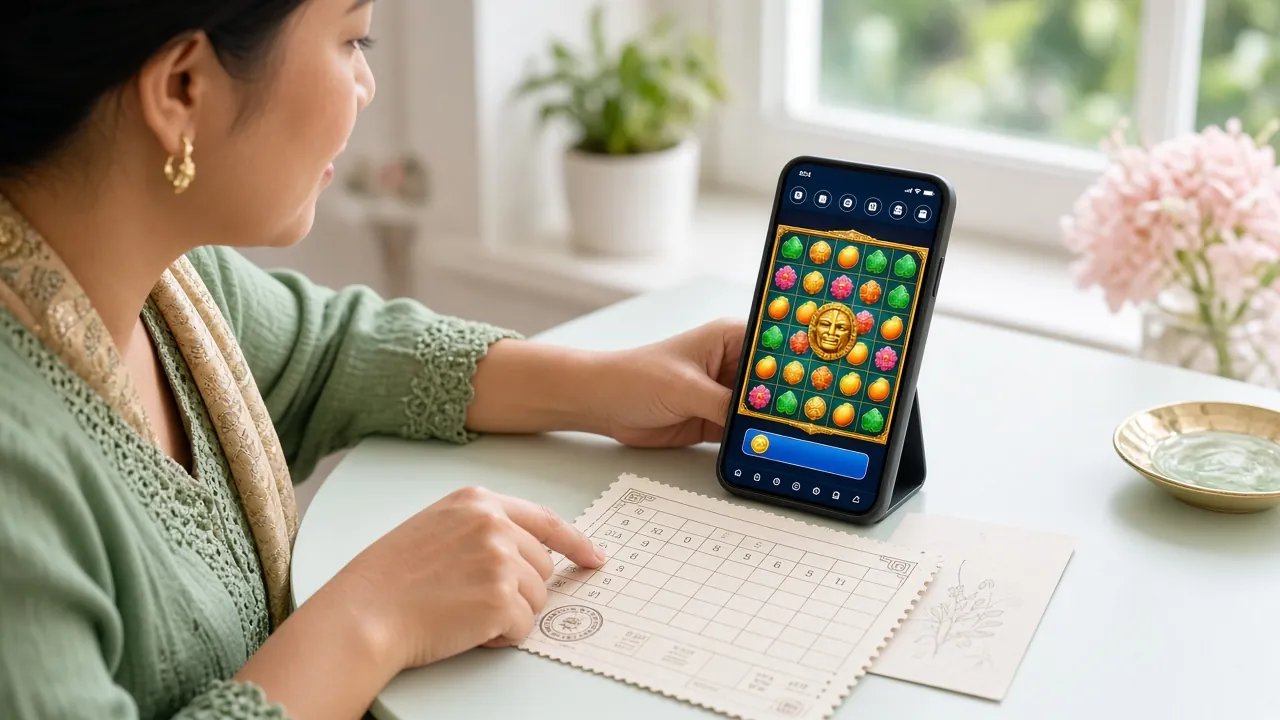
Live dealer tables from Sexy Gaming and CQ9 open in the same tab, with the video feed scaled for portrait screens. Minimum bets start at RM0.10 on some slots and RM0.50 on the cheaper live tables.
The file is served from /download/gtb88.apk on this domain only. Install it from here, not from a link forwarded through WhatsApp, and check that the finished file reads 58 MB before you open it.
Holds the app itself, game artwork and your session token so the next launch is quick. Nothing is written to your photo gallery, and uninstalling removes every cached file along with it.
Needed to reach game servers and to notice when the phone moves between Wi-Fi and mobile data, so an open round is not dropped halfway through a spin.
Used for withdrawal status, deposit confirmation and bonus expiry. You can narrow these to withdrawals only in the app settings, or block them completely from Android.
Requested only when you upload identity documents for verification, which is required before your first withdrawal. The app cannot browse your gallery or camera roll on its own.
No permission touches your contacts, SMS inbox or call log. Keep Google Play Protect switched on, and if a scan ever flags the package after an update, delete the file and download a fresh copy from this page.
Nearly every failure here comes from one of five causes. Work down the list before you contact support, since the first three fixes take under a minute.
| What you see | Likely cause | What to do |
|---|---|---|
| Android blocks the install | Unknown sources are still off for the browser you used. | Go to Settings, Apps, Special access, Install unknown apps, allow your browser, then tap the downloaded file again. The prompt appears once per browser. |
| Parse error on opening gtb88.apk | The download stopped early, or a file manager renamed it. | Delete the partial file, clear the browser download list and pull it again on a stable connection. Confirm the finished file reads 58 MB. |
| App opens then closes at once | Android older than 10.0, or storage almost full. | Check the version under Settings, About phone. On older handsets use the mobile site. Otherwise free up space, then reinstall. |
| Login fails only inside the app | Password autofill is pasting an old saved password. | Type the password by hand, or reset it from the login page. If a device code is requested, ask for a fresh SMS code and keep the SIM inserted. |
| New version refuses to install | The old copy came from a build with a different signature. | Uninstall the current app, restart the phone, then install the fresh APK. Balance and bonus progress stay on the server and return after you sign in. |
The file is served from this domain at /download/gtb88.apk and nowhere else. Android flags it because it does not arrive through the Play Store, which is normal for any direct APK. Check the size reads 58 MB, keep Play Protect on, and delete any copy that came through a chat forward rather than from this page.
The gtb88 app needs Android 10.0 or newer. Check under Settings, then About phone. On older handsets the mobile site works in any browser and carries the same account, the same games and the same bonus terms. The only differences are the icon and push alerts, which are app-only features.
The download is free and there is no subscription. Deposits start from RM5 and withdrawals from RM90, exactly as on the website. The daily withdrawal ceiling stays at RM5,500. Nothing is deducted from a payout because you chose to install the app rather than use a browser session.
Yes. The account lives on the server, so balance, bonus progress and bet history follow you between devices automatically. Signing in on the app does not end a browser session, though most players keep one active device to avoid a verification prompt appearing midway through a live table round.
Return to this page and download the new APK. Install it over the existing version without uninstalling first, and Android replaces the old build while keeping your login session. If the install is blocked, uninstall the old copy, restart the phone once, then install the fresh file. Your account data stays on the server throughout.
Deposits normally arrive within 2 minutes via Touch 'n Go eWallet, DuitNow or FPX. Pull down to refresh the wallet screen first. If the balance is still empty after five minutes, check the deposit guide for the correct reference format, then paste your transaction receipt into the 24/7 Live Chat window so support can locate it quickly.
Yes. Upload a photo of your MyKad, passport or driving licence before your first withdrawal. The camera permission on the app handles that upload in one step. Review usually finishes within 24 hours. Once verified, every later withdrawal skips the document step and targets a 16-minute release time regardless of which device you use.
Download the app first, then register in under three minutes. The 120% welcome bonus up to RM425 applies on your first deposit whether you join through the app or the website.